Locked Out of PayPal? You Still Have a Legitimate Path In
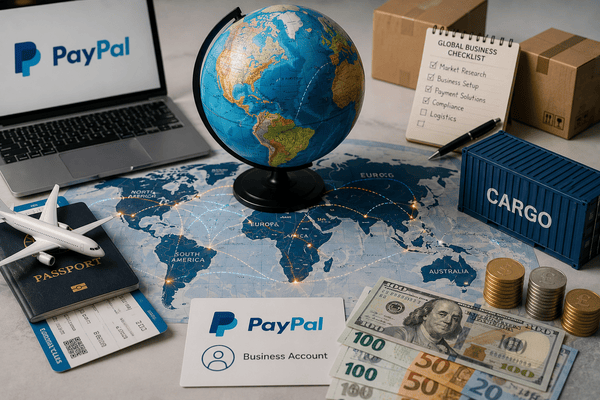
PayPal is a cornerstone of worldwide online banking, and businesses and consumers rely on it because of how widely it's accepted for payments and transactions. It operates in over 200 countries and supports roughly 25 currencies. So what happens if you live in one of the countries where PayPal simply isn't available? Does that mean you're locked out entirely? Not necessarily. There are legitimate ways to establish a business PayPal account even from a restricted country, no matter where you're based. This guide walks through the most straightforward path to get there.
Quick Answer
If PayPal is unavailable in your country, you can still get a business PayPal account by forming a US LLC or company and opening a business PayPal account under that US entity. This is the most compliant approach: it gives you a legitimate US business identity, EIN, and address required for full PayPal verification. Cloudtech specializes in exactly this, setting up your US company and then your PayPal account.
Key Notes Before You Start
- PayPal operates in 200+ countries, but some remain unsupported. There are still legitimate ways to access PayPal from these regions.
- Common reasons for PayPal restrictions include regulatory issues, sanctions, fraud risk, and market viability concerns.
- Provide the necessary details (a scanned passport copy or driving license) to open a business in a PayPal-supported country, use a VPN to match the location, open a business PayPal account with accurate details, obtain a virtual address and bank account, apply for a virtual credit card, and verify it with a 4-digit code.
- Legal and tax issues, operational challenges, and account suspension due to mismatched details are the main risks to watch for.
- Stripe, Skrill, and Payoneer are solid alternatives for businesses in PayPal-unsupported countries.
- Use accurate business details and avoid large transactions early on.
- Clear cookies and avoid suspicious activity to prevent account suspension.
PayPal by the Numbers: A Dominant Player in Digital Payments
PayPal, founded in 1998, transformed how we handle money digitally. Today, it serves over 426 million active users across more than 200 markets, supporting transactions in 25 currencies. As a premier digital payment gateway, PayPal enables effortless sending and receiving of funds globally, with customized invoices, cementing its position as a dominant player in financial technology. PayPal is known for a comprehensive feature set, including:
- Secure money transactions
- A POS system for card-swiping customer payments when selling
- Faster payment processing for online merchants
- Multi-currency support
- Simple billing tools
- Risk management
- Easy integration
Through its user-friendly interface and strong security measures, PayPal remains a preferred choice for individuals and businesses managing their finances efficiently and securely. That said, PayPal does apply account limitations that can restrict transaction capabilities to prevent fraud, so it's worth knowing those limits before you rely on the platform heavily.
Countries Where PayPal Is Currently Unsupported
While PayPal facilitates easy international transactions by operating in over 200 countries and supporting 25 currencies, its services remain unavailable in a number of countries. As of the most recent list, PayPal does not operate in:
- Afghanistan
- Bangladesh
- Cameroon
- Central African Republic
- Cuba
- Democratic People's Republic of Korea (North Korea)
- Equatorial Guinea
- Ghana
- Haiti
- Iran
- Iraq
- Ivory Coast
- Myanmar
- Lebanon
- Liberia
- Libya
- Pakistan
- South Sudan
- Sudan
- Syria
- Timor-Leste
- Uzbekistan
This list serves as a reference for regions where users may face challenges accessing PayPal services directly.
Why PayPal Doesn't Support These Countries
PayPal boasts a vast global footprint, but its services aren't fully available everywhere, particularly in parts of the Middle East and Africa. PayPal doesn't officially publish its exact reasoning, but the common factors are:
- Regulatory compliance: PayPal must follow strict financial regulations to keep everything above board. If a country's laws aren't explicit or stringent enough to prevent fraud, PayPal may decide not to operate there.
- Economic sanctions: International sanctions from bodies such as the United Nations or the United States can restrict financial transactions with specific countries.
- Risk management: Fraud is a serious issue in the payments industry, and PayPal is cautious about where it operates. A country with elevated financial crime risk may simply be avoided.
- Market viability: PayPal also weighs market potential. If demand looks weak or the local economy is unstable, PayPal may choose to hold off.
For businesses in unsupported countries, this creates a real hurdle: missing out on the ease and trust that come with using PayPal for transactions. Understanding these restrictions is the first step toward finding a compliant way around them, and still tapping into the benefits of global commerce.
How to Get a Business PayPal Account From a Banned or Unsupported Country
If you're from a country PayPal doesn't support, running an online business gets harder, since collecting payments from around the world can turn into a tricky process. Fortunately, there's more than one way to get a business PayPal account. Below are the prerequisites, followed by the steps to actually set one up.
Prerequisites to Open a Business PayPal Account
- Open a business in a PayPal-supported country: The first step is registering a business in a country PayPal supports, with the United States or Europe generally being the better options. With a registered company, you'll need a business bank account, address, EIN, SSN or TIN, and a business phone number. Cloudtech can help with all of these.
- Get a different IP address: Some people use a VPN, others change their IP address directly. A stable, secure proxy setup tends to work best. You'll need an IP or VPN matching the country where your business details are registered, so your IP address consistently aligns with your registered business country when you access the account.
- Obtain a virtual business address: A local address for official correspondence is necessary to properly register your business in a PayPal-supported country. Third-party company formation providers that offer mail forwarding and virtual office services can get you a virtual business address quickly. This becomes your PayPal contact address.
- Apply for a bank account or PayPal-compatible account: Once your business is registered, you'll need a bank account in the same country. Some banks let non-residents open business accounts remotely. Alternatively, services like Wise (formerly TransferWise) or Payoneer offer international banking solutions that integrate well with PayPal.
Preparation: Get Your Details Ready
Once your business is registered, your virtual address is secured, and your bank account is set up, you're ready to apply for a PayPal business account. Make sure the following details are accurate and match your business registration documents and bank information:
- A valid email address
- Business owner name
- Legal business name
- Business phone number
- Business address
- Business registration certificate
- Business bank account number
- Bank name
- Bank routing number
- Tax identification number (if applicable)
With all of that in hand, you can open a business PayPal account without unnecessary friction, and the account will read as authentic to PayPal's verification systems. From there, follow the steps below.
Step-by-Step: Opening and Verifying Your Account
- Get a virtual credit card for verification. Purchase a PayPal-compatible virtual credit card, using a valid email address since your VCC details will be sent there. This typically takes 24 hours or less.
- Open your business PayPal account. Set your browser/IP to match the location of your registered business, go to www.paypal.com, click sign up, and choose the business account option. Enter your business and contact details, avoiding any email address tied to a previously failed PayPal signup. You can use your real name, but your business address must be valid. Add credit card details if you have them already, or skip that step temporarily, then click "go to my account." You're now registered, verify your email address next.
- Add your credit card information. Using the virtual credit card details sent to your email (allow at least 24 hours), log in to your business PayPal account, find the option to add a card, enter the details, and click add card. If it's accepted, you'll be asked to confirm the card through an additional verification link.
- Get verified. After confirming your card, hit continue. PayPal may charge a small amount and request a 4-digit code, which only the virtual card provider can supply, confirming the card is genuinely yours. PayPal will email you a verification code. Log back in, enter the code, and your business PayPal account is fully verified.
Follow these steps carefully and you can work within PayPal's restrictions to get a business account set up, giving your business access to global payments, better customer trust, and broader market opportunities. Note: When filling in your details, always use the business address and bank information tied to the supported country. Accuracy across every field matters for verification.
Risks and Compliance Issues to Understand Before You Start
Setting up a business entity specifically to access PayPal can feel like a smart workaround, but it comes with real risks and compliance considerations worth understanding upfront.
1. Legal and Tax Implications
Starting a business abroad brings legal and tax obligations. You'll need to follow local legislation, including licensing and operational rules, and determine whether you're required to file returns or pay corporate taxes even if most of your operations happen in your home country. This structure can create real tax liabilities.
2. Operational Challenges
Running a business entity in a different country brings practical friction, from managing operations and customer support to handling communications across time zones and languages. This can affect your overall efficiency and customer satisfaction.
3. Banking Challenges
Opening a bank account in a foreign country isn't always simple. Banks may require proof of residency or additional documentation to verify your identity and business legitimacy. If your business exists solely to access PayPal, banks may question your motives and deny the application or impose restrictions.
4. Risk of Account Suspension
PayPal enforces strict policies on the legitimacy of business activity. If it determines your account was created primarily to bypass country restrictions, it may flag the account for suspicious activity or suspend it outright, cutting off access to funds and disrupting your operations.
5. IP Address and Geolocation Monitoring
PayPal uses advanced technology to monitor IP addresses and confirm accounts are accessed from their registered locations. Frequently logging in from an unsupported country with an IP that doesn't match your business's registered location can trigger flags for suspicious activity, leading to account limitations or suspension.
In short, establishing a business in a supported country to gain PayPal access can open real opportunities, but it comes with risks that require careful consideration. Always consult legal and financial professionals familiar with international business law to stay compliant and avoid future issues.
Alternatives to PayPal in Unsupported Countries
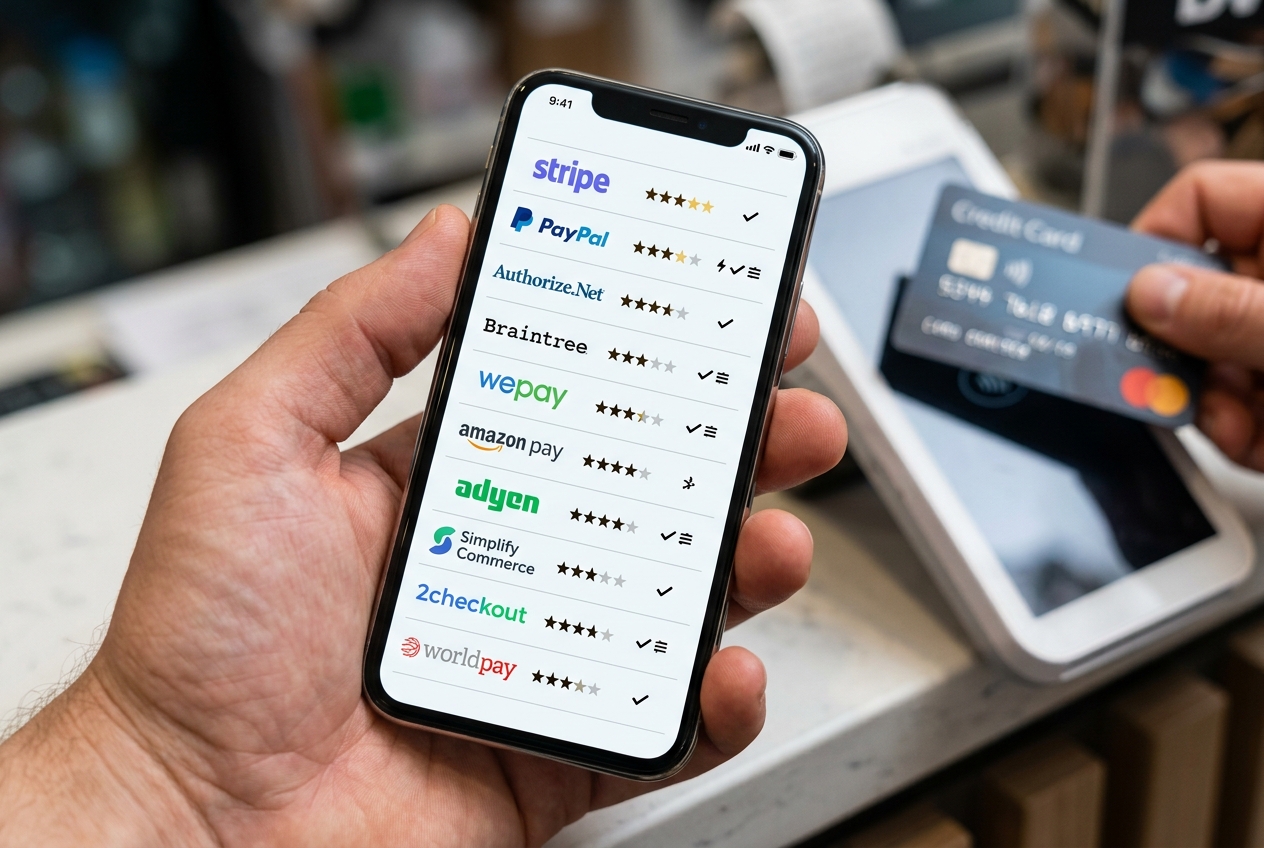
If PayPal isn't a viable option where you're based, consider these alternative payment processors:
- Stripe: Known for its developer-friendly platform, Stripe operates in many countries where PayPal is restricted.
- Skrill: Popular in Europe, Skrill offers services similar to PayPal and is known for its forex capabilities.
- Payoneer: Ideal for freelancers and exporters, Payoneer supports cross-border transactions in several currencies.
Each of these alternatives comes with its own fee structure, ease of use, and global reach, so weigh them against your specific business needs.
Key Takeaways
- PayPal does not support all countries. If your home country is on the restricted list, you cannot open a personal or business PayPal account directly.
- The most compliant solution is to form a legitimate US LLC or company, which gives you the US address, EIN, and business identity required for a full PayPal business account.
- Using virtual credit cards or VPNs to bypass PayPal restrictions on their own, without a legitimate underlying business, creates serious legal, compliance, and account suspension risks.
- Prerequisites for a US PayPal business account include a US LLC, US EIN, US bank account or virtual debit card, and a US phone number.
- Alternatives to PayPal in unsupported countries include Wise, Payoneer, Stripe, and local payment processors.
- Cloudtech provides a fully managed service to form your US company and set up your PayPal business account from any country.
Final Thoughts
That's the complete picture on getting a business PayPal account from an unsupported country. A few reminders as you get started: don't access your business PayPal account from any IP address that doesn't match your business location, avoid large transactions early on, and always clear your browser's cookies before switching back to your regular IP address. To learn more about managing your PayPal account day-to-day, reach out and connect with us. Ready to access PayPal from your country? Cloudtech handles the entire process, US company formation, EIN, and PayPal business account setup, so you can start accepting payments globally.